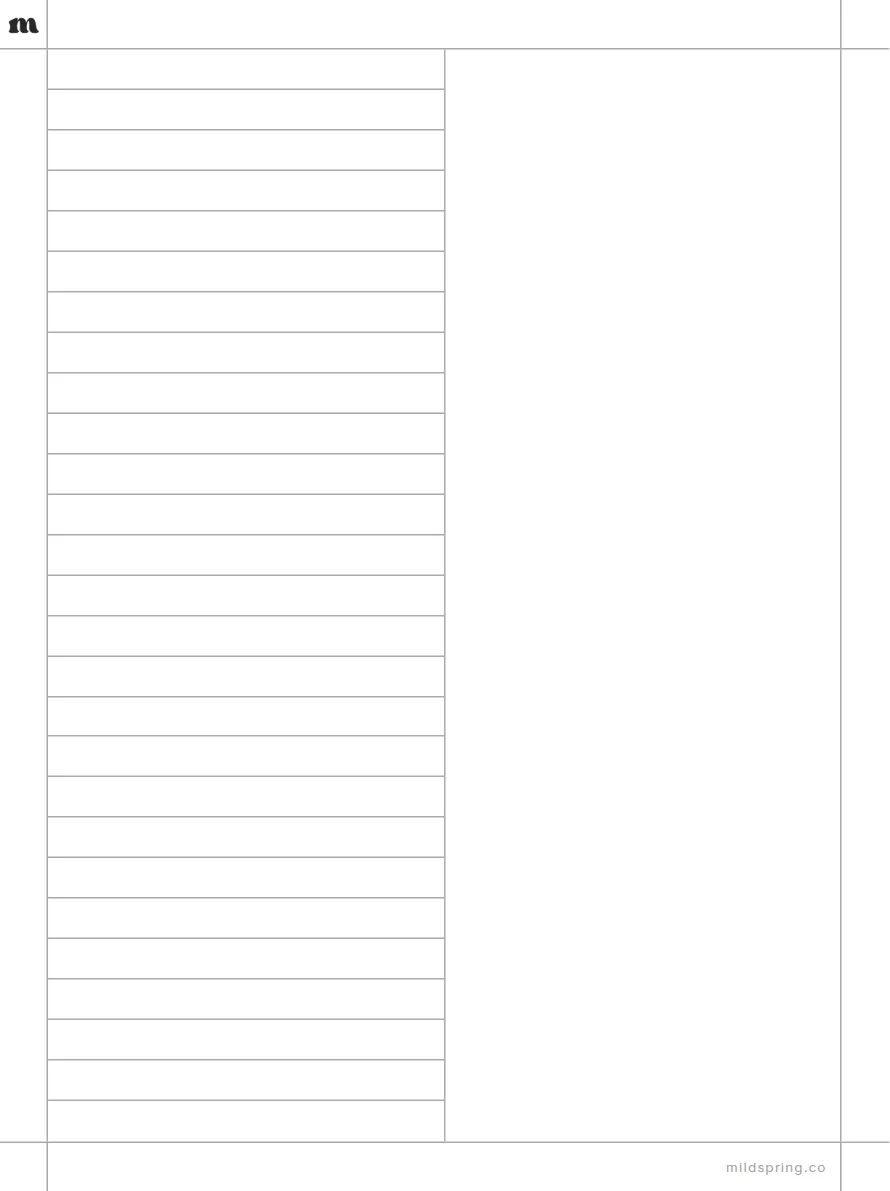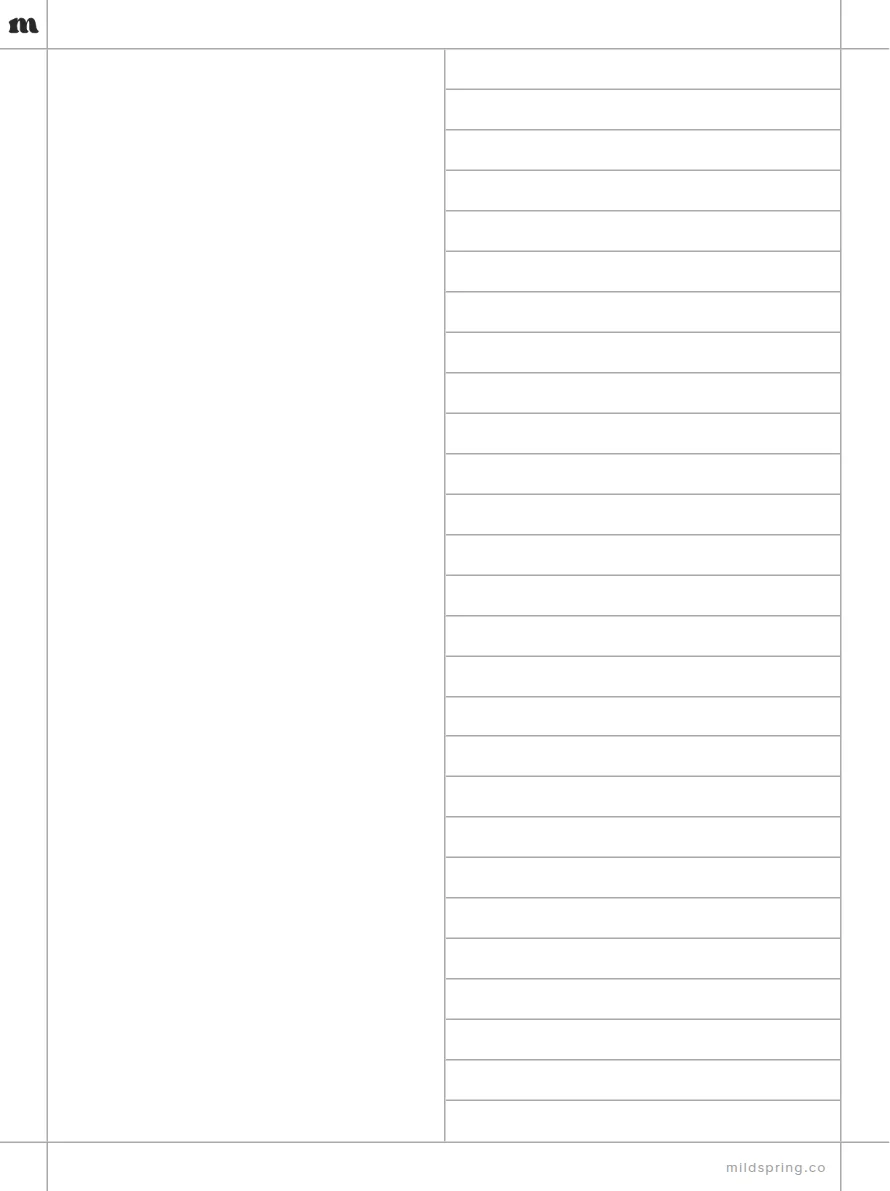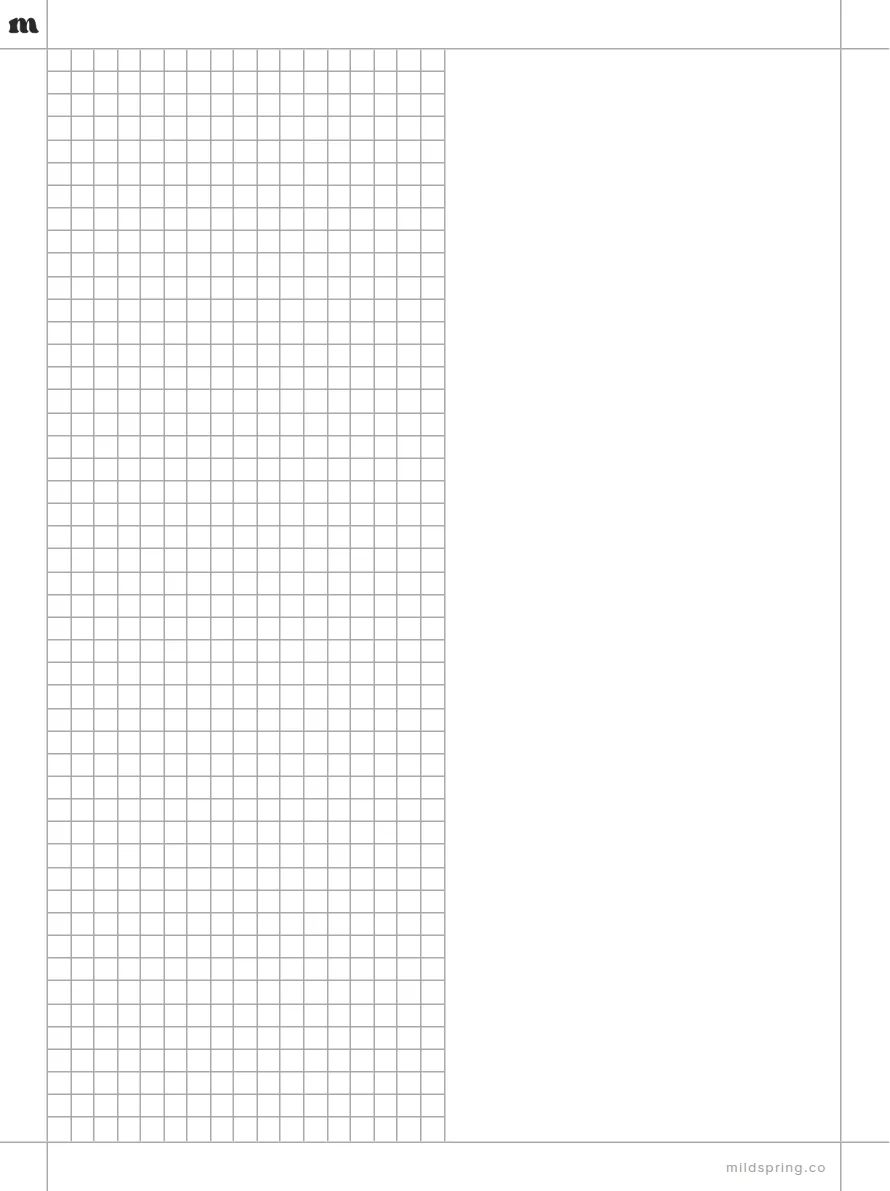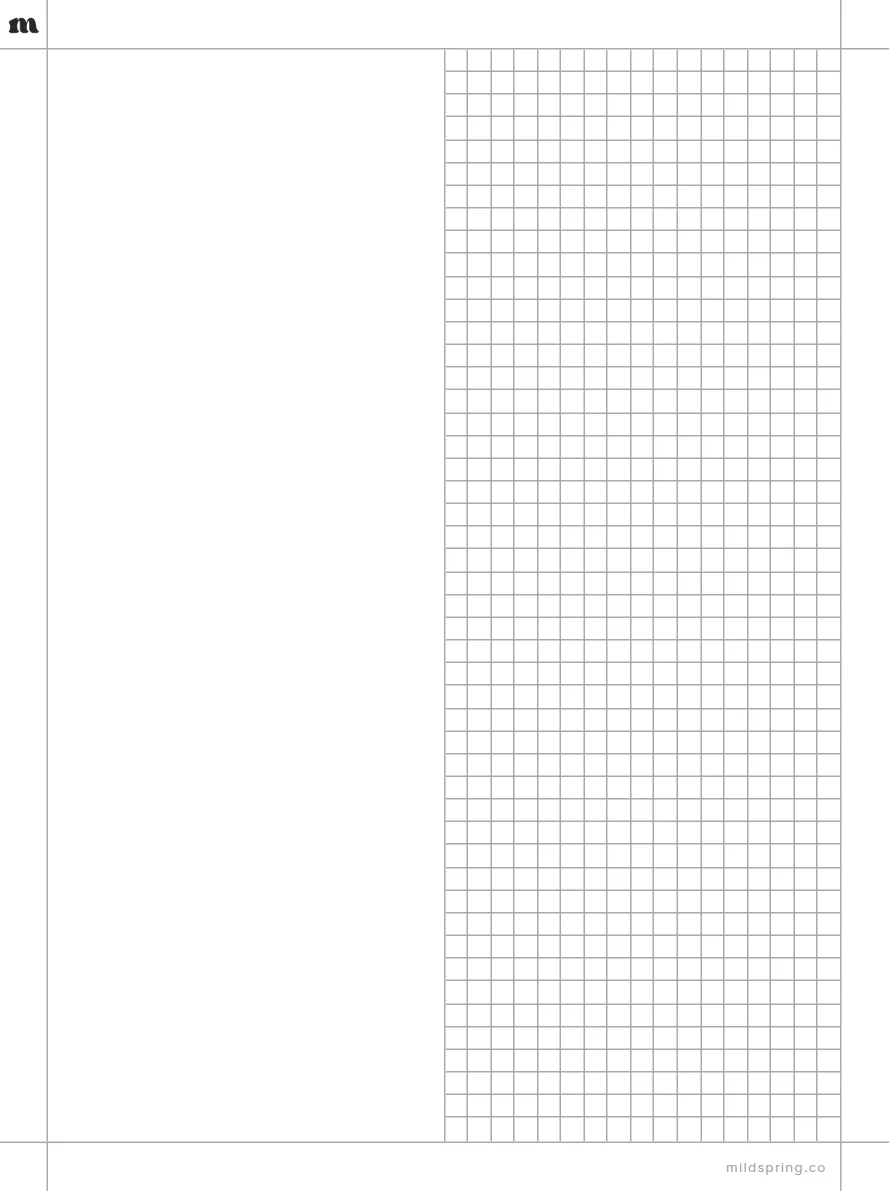
Split Page: Grid Right
Blank space on the left and a square grid on the right.
- Blank left half
- Grid right half
Free PDF, one page, no sign-up. Copy it to your tablet over USB or with your device's own app.
Every size
Not sure which file? These are all of them, grouped by brand.
Supernote
reMarkable
Kindle
Boox
- Boox Go 7.8"9 KB
- Boox Note Air 10.3"10 KB
- Boox Tab Ultra 13.3"10 KB
Kobo
- Kobo Libra Colour9 KB
- Kobo Sage9 KB
- Kobo Elipsa10 KB
Fujitsu
- Fujitsu Quaderno A510 KB
- Fujitsu Quaderno A410 KB
Other tablets
- 10.3" tablet (4:3)10 KB
- 7.8" tablet (4:3)9 KB
Questions
Is the Split Page: Grid Right template free?
Yes. Download the PDF and write on it. No account and no email. The page carries a small mildspring mark in the top corner and the footer.
Which devices does it fit?
It comes in 20 sizes: Supernote, reMarkable, Kindle, Boox, Kobo, Fujitsu, iPad, Other tablets. Each file matches that screen's shape so the page fills it.
How do I put it on my tablet?
Download the file for your device, then add it like any other PDF: over USB, through your tablet's desktop or phone app, or with Send to Kindle for a Kindle Scribe.
Can I get it as a full notebook?
Our paid notebooks at mildspring.co bundle pages like this one into a single PDF with a cover and an index you can tap.